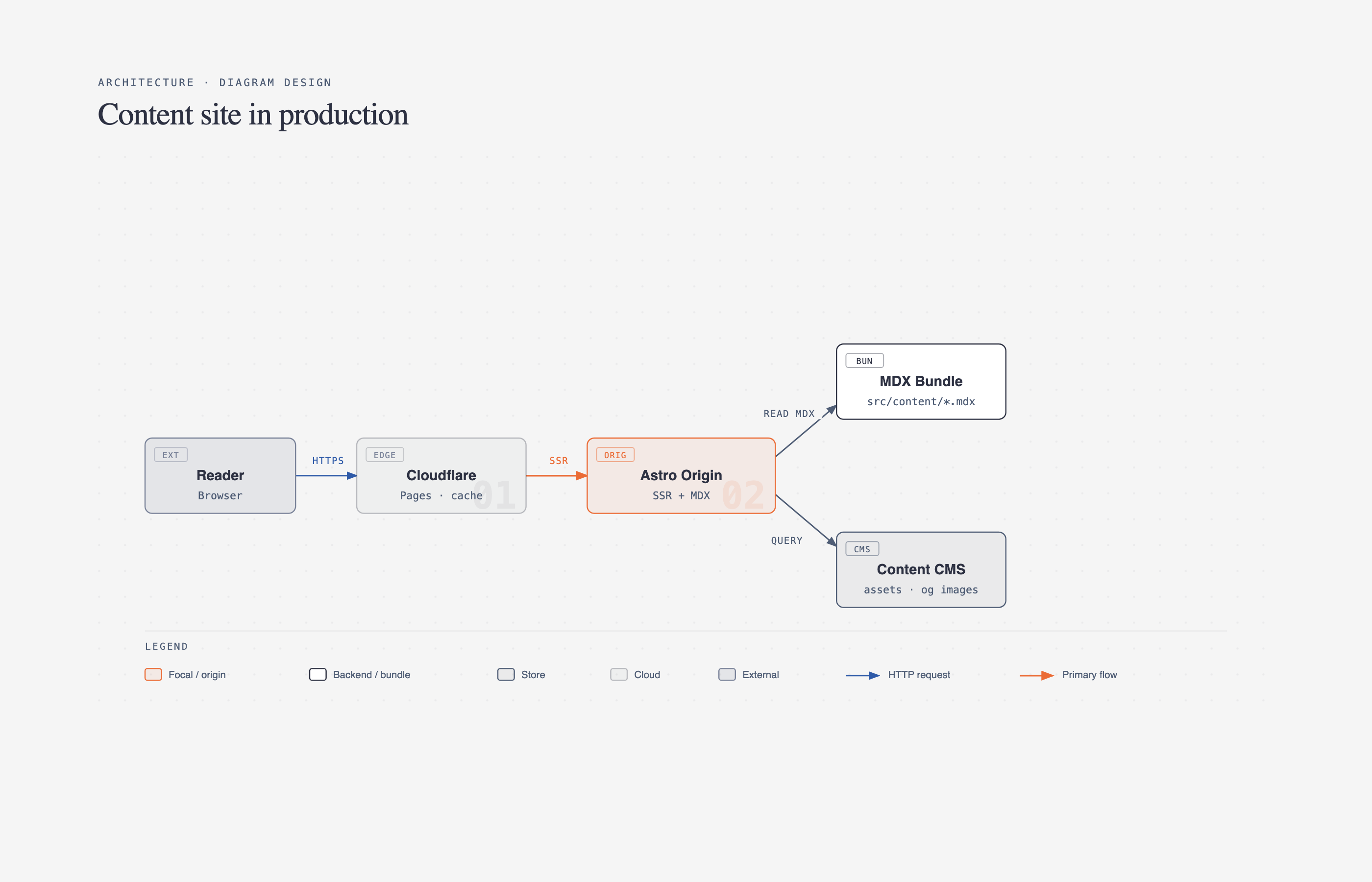
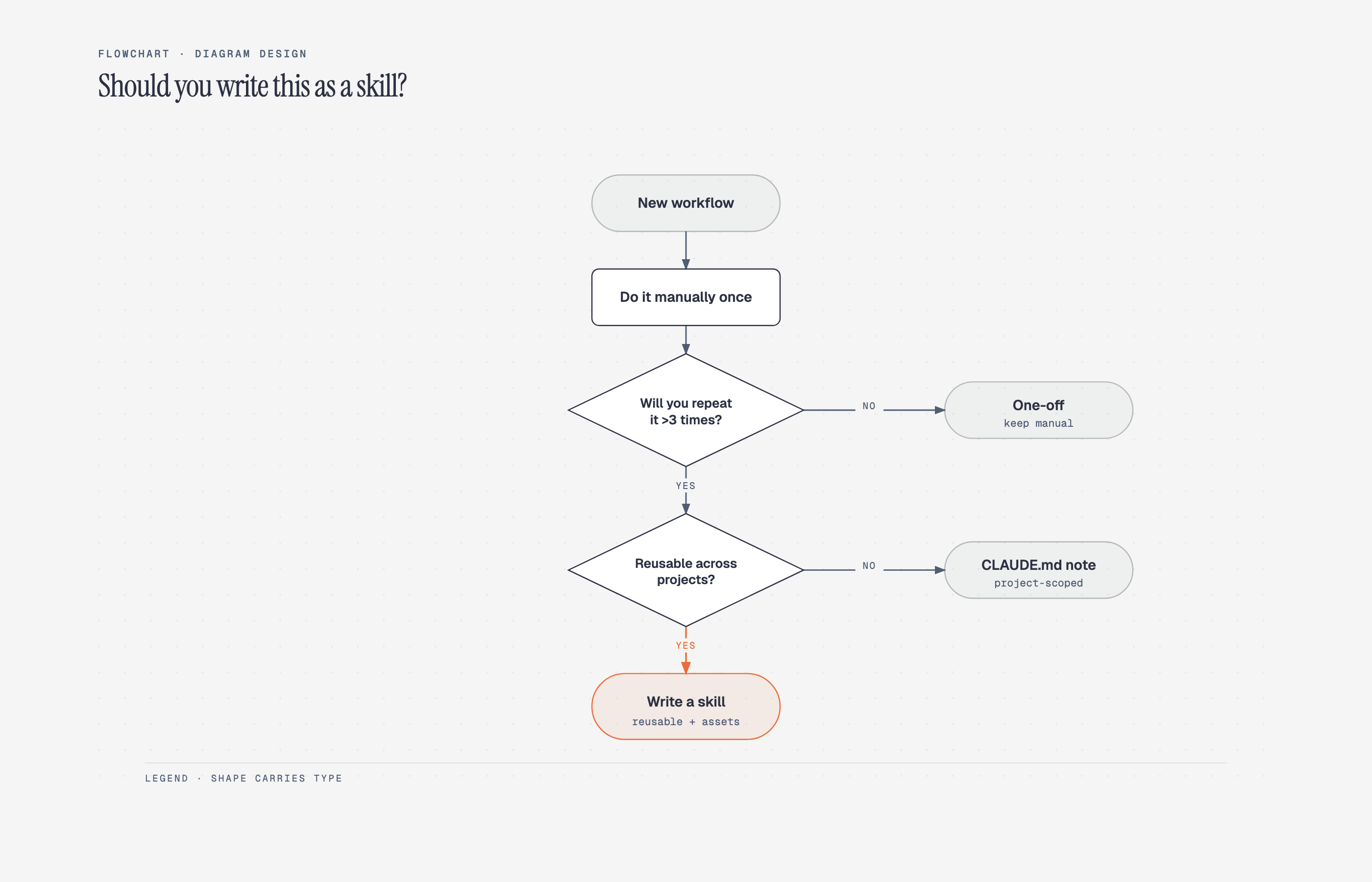
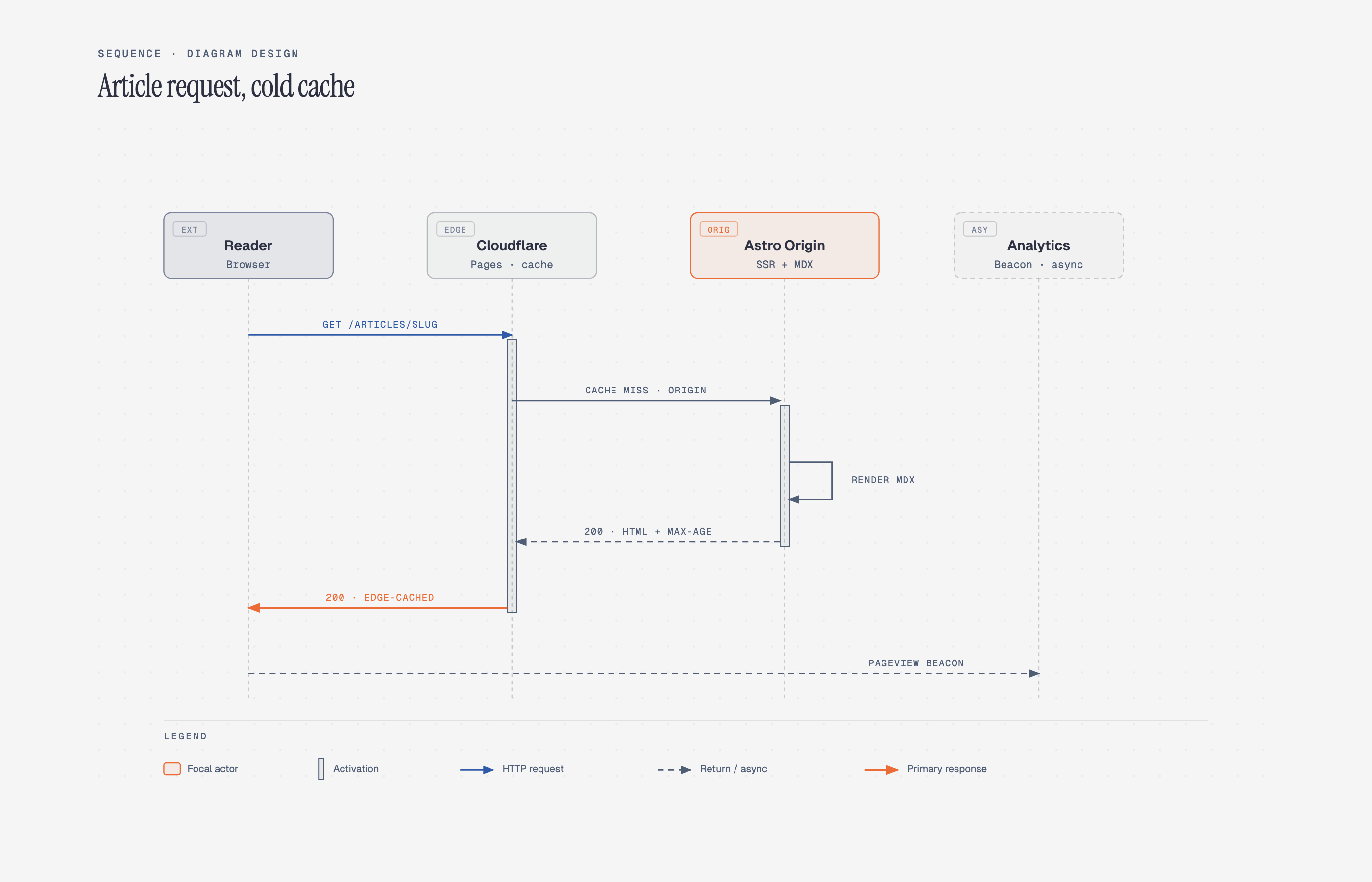
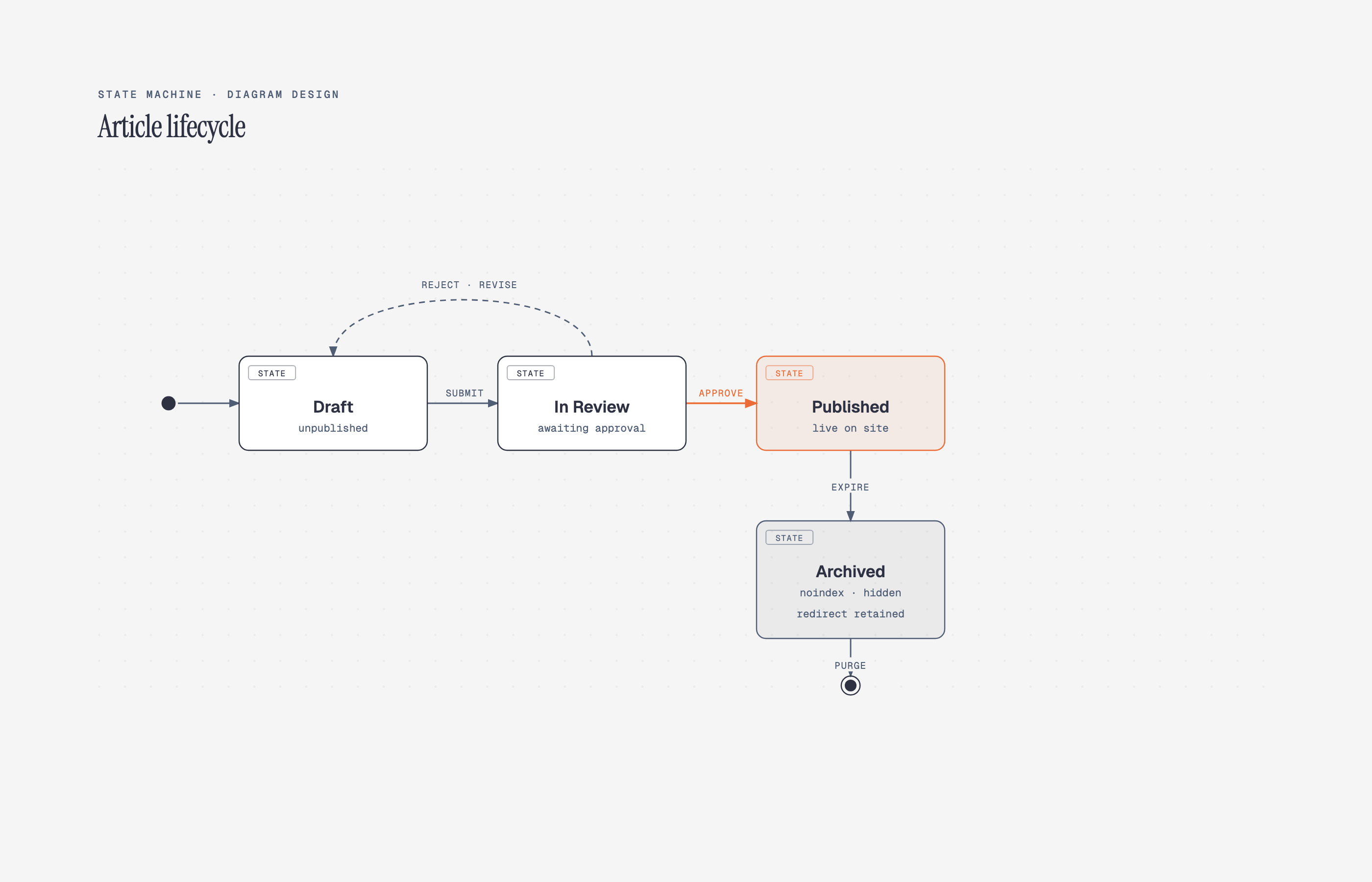
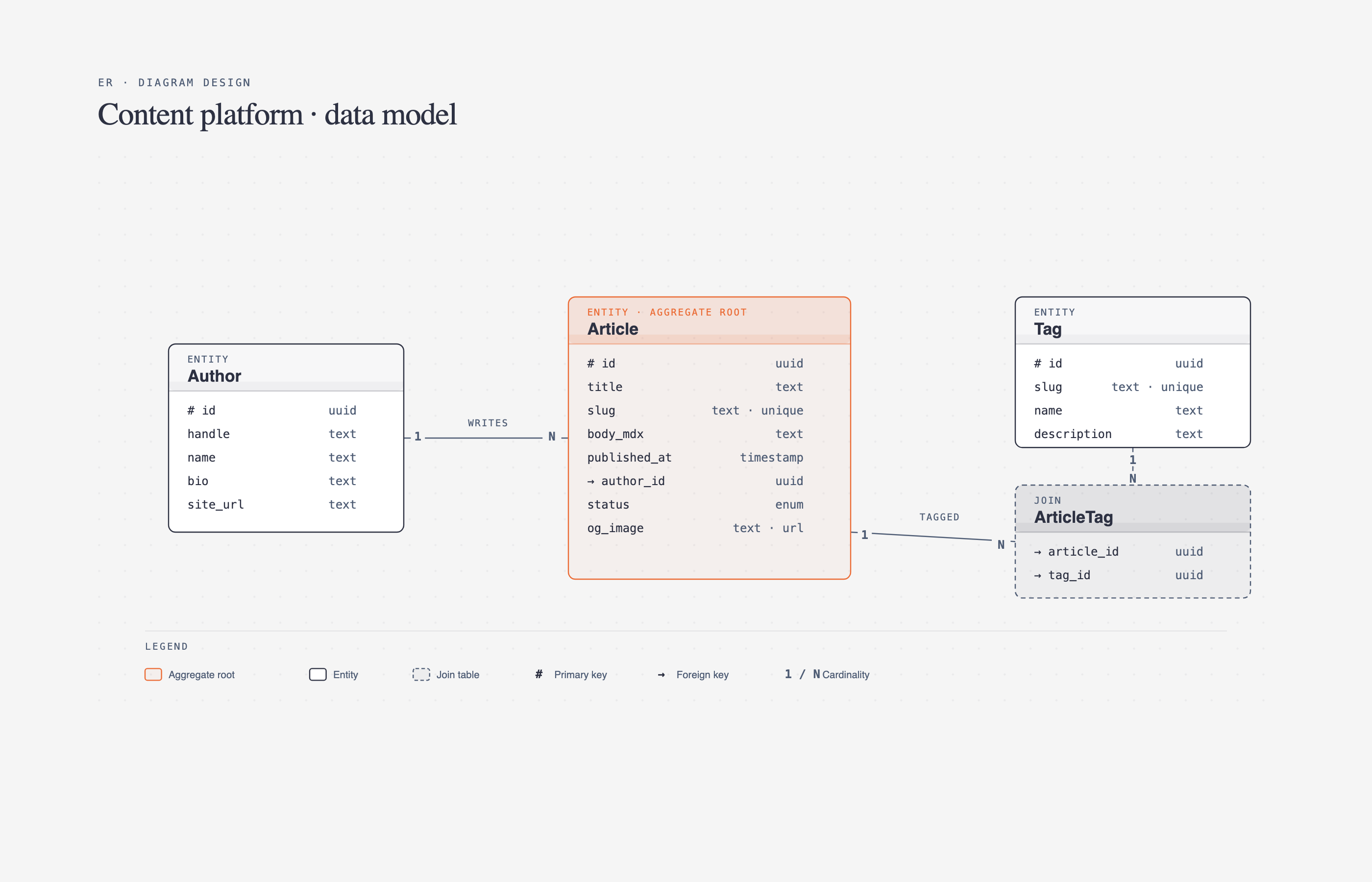
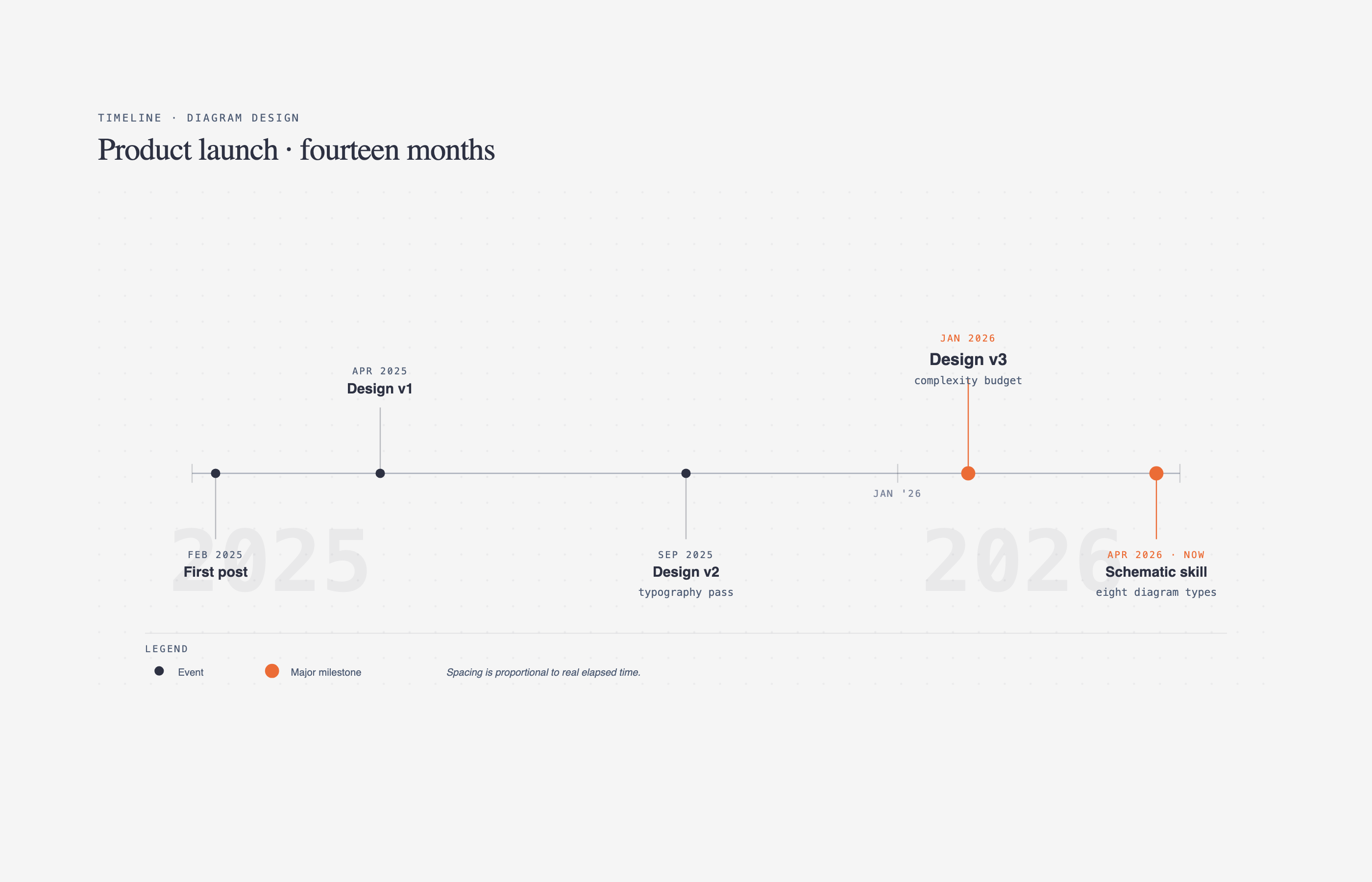
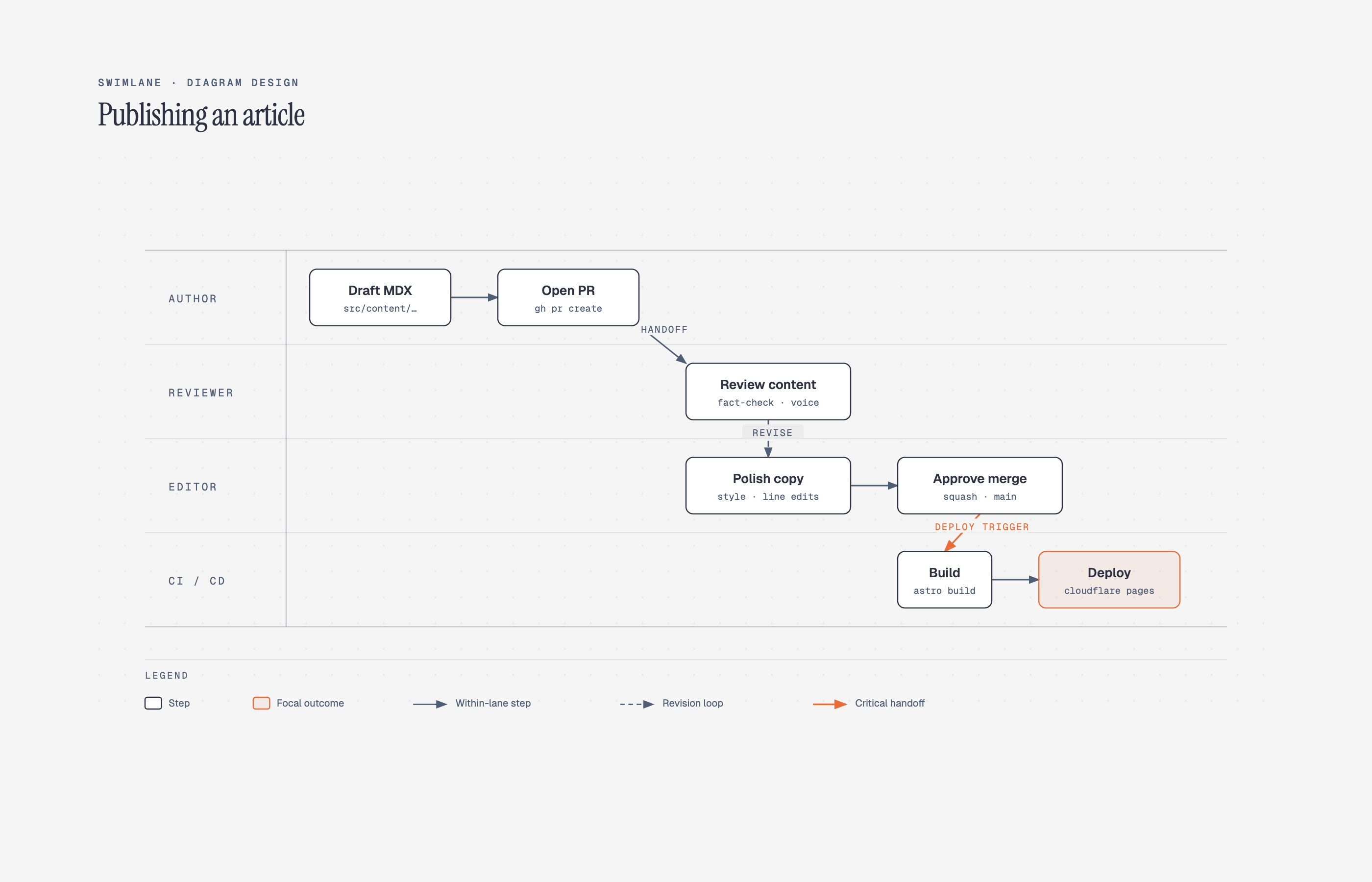
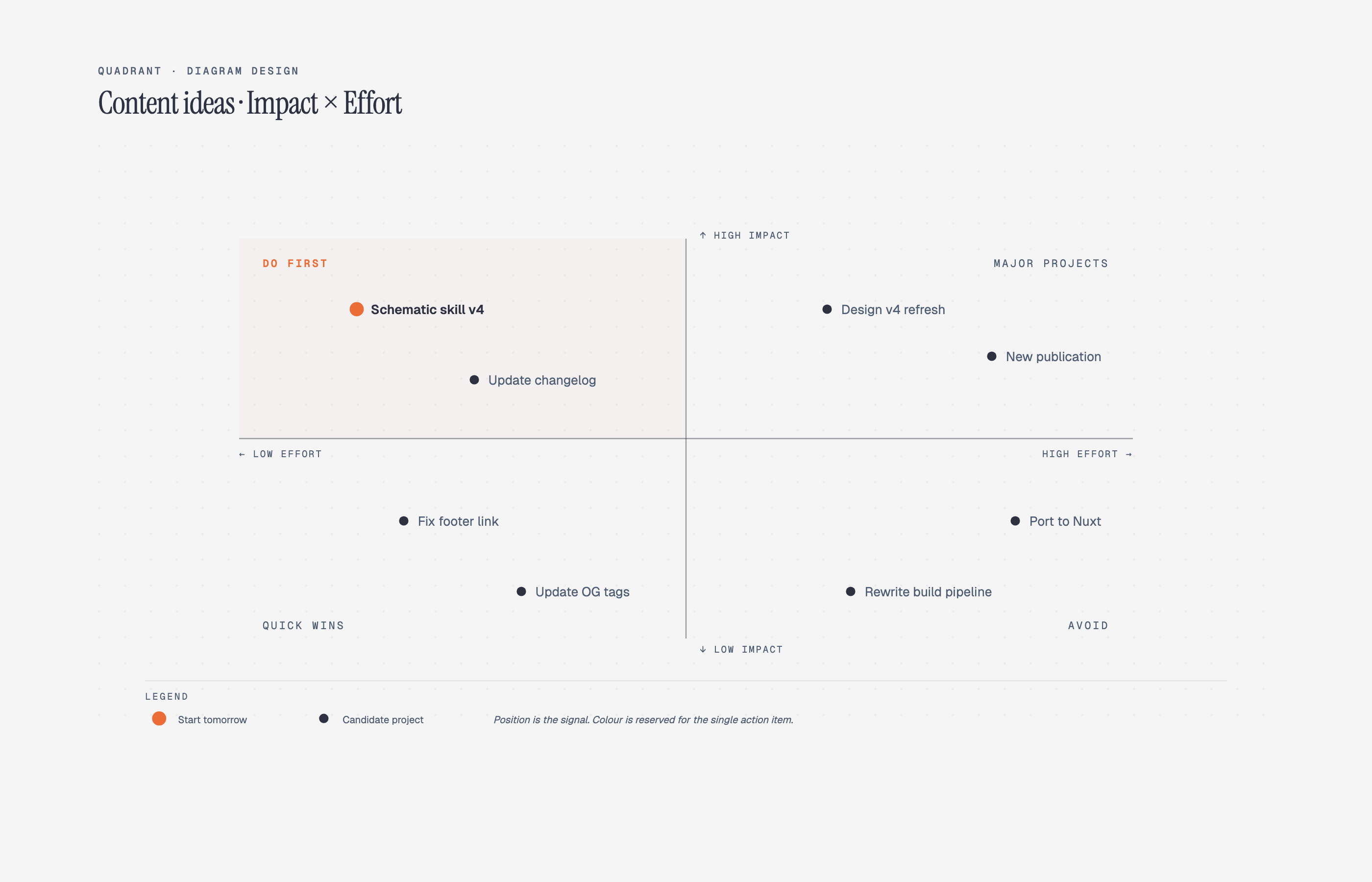
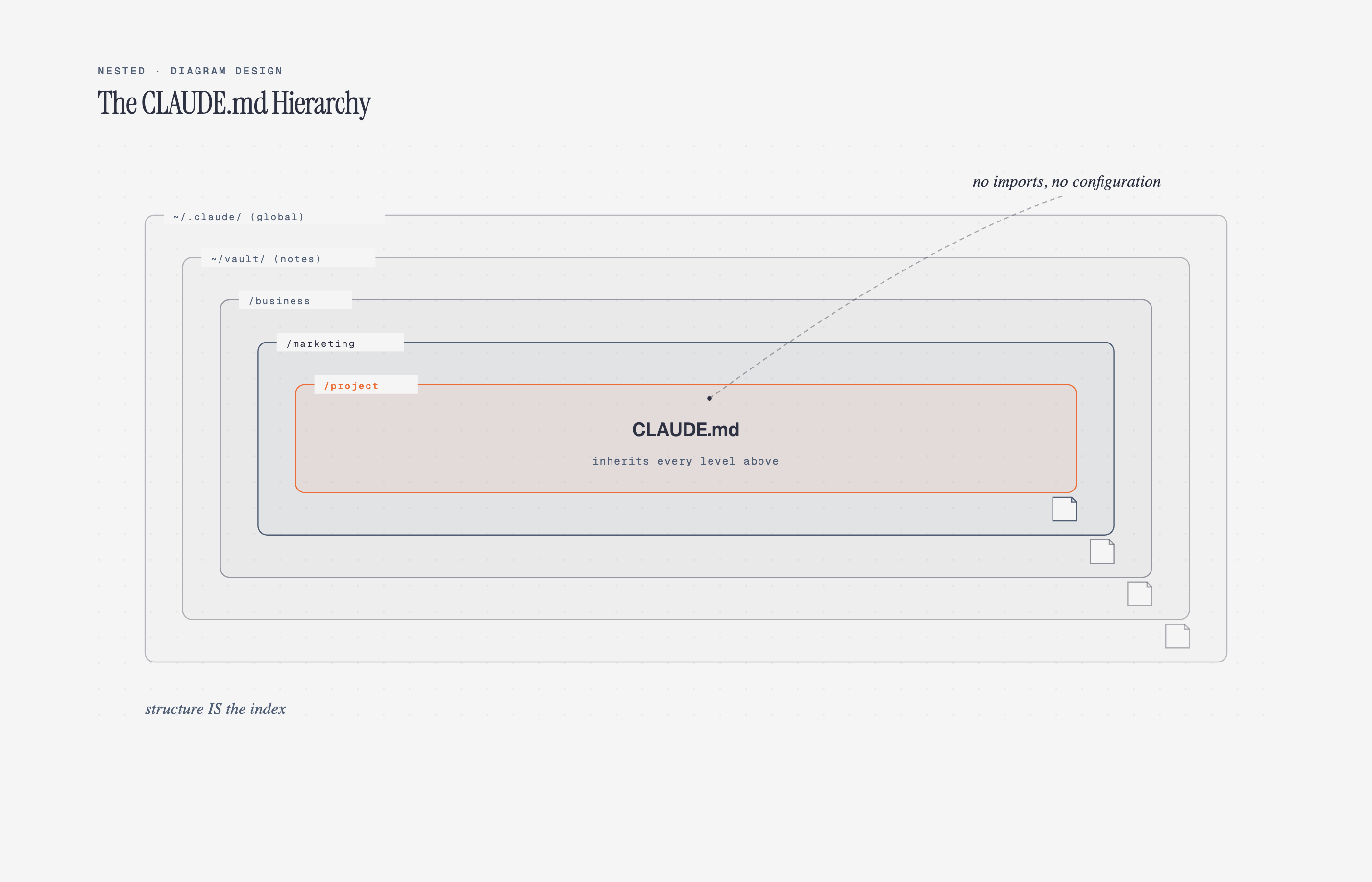
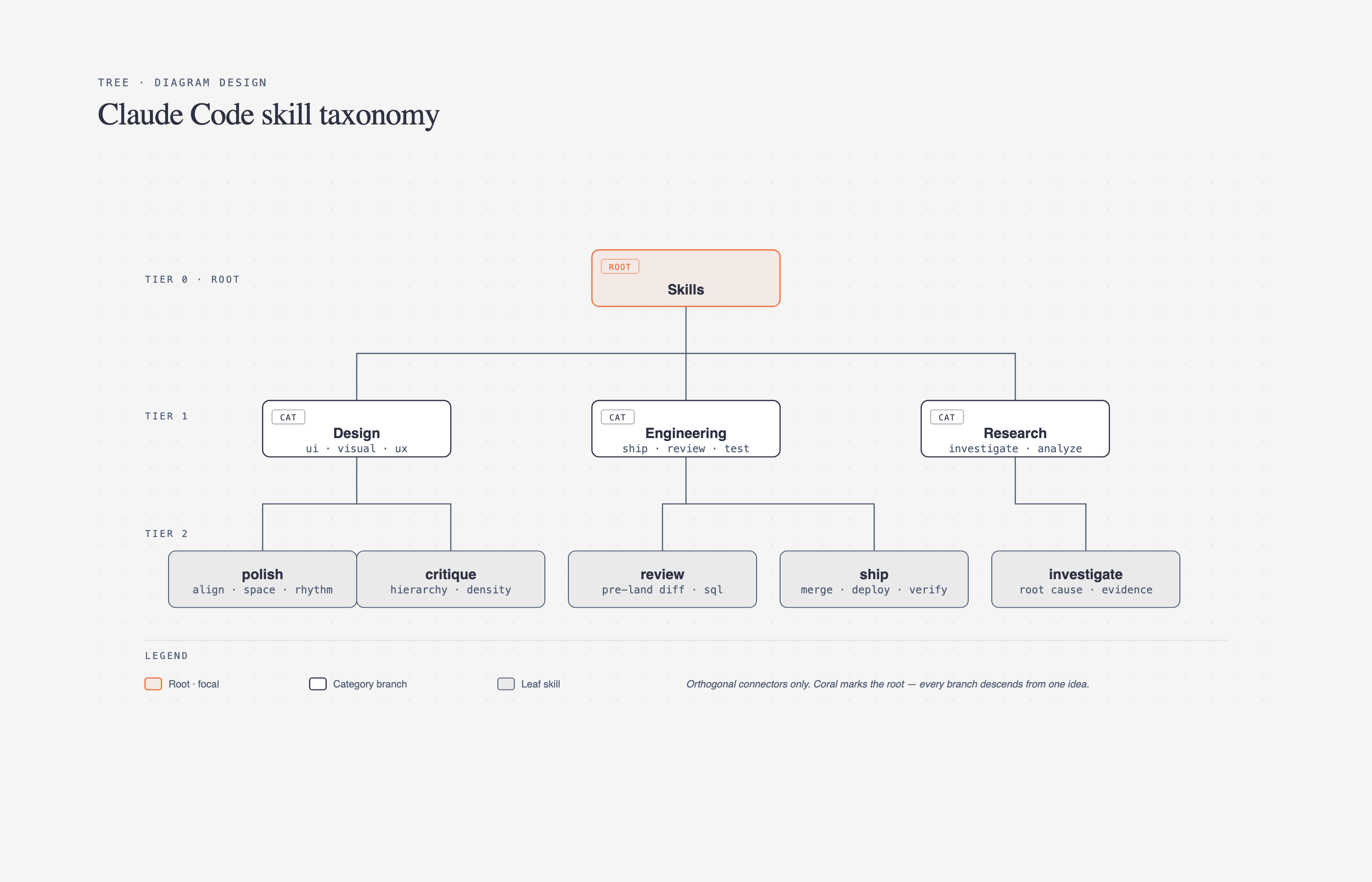
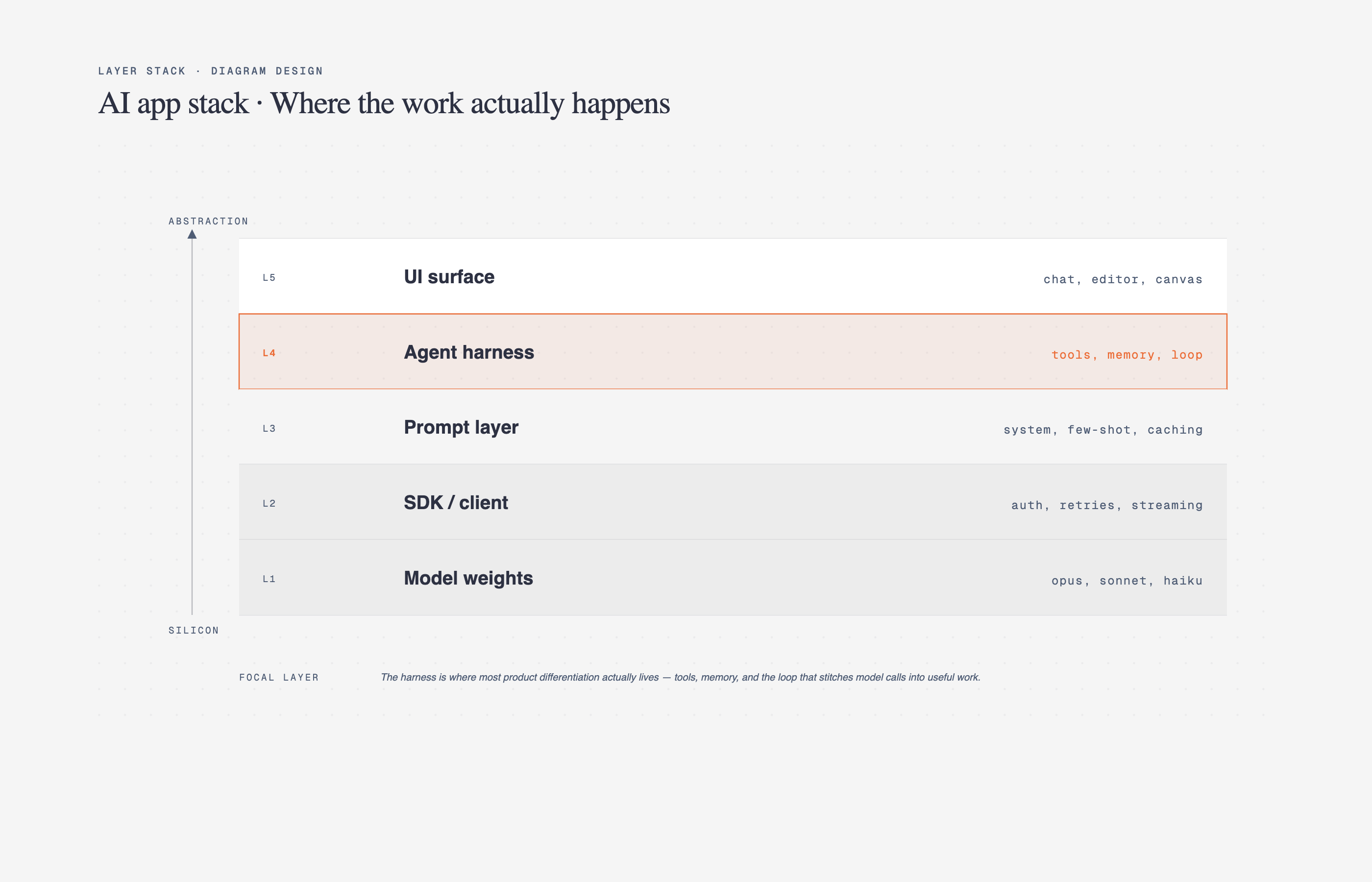
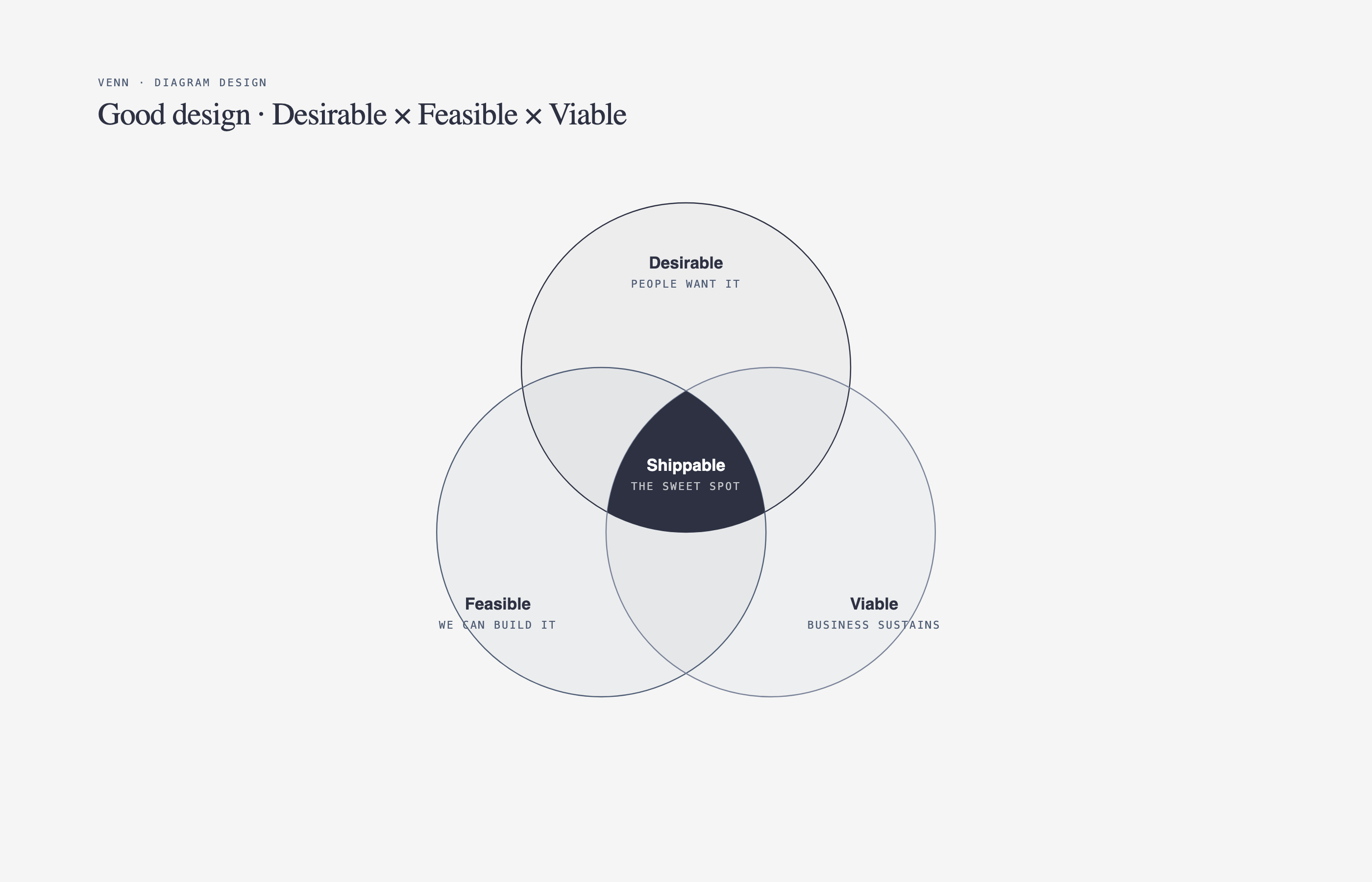
` / `` font | `sublabel` font |

### Contrast checks happen automatically

Before writing tokens, the skill verifies WCAG AA contrast on `ink` over `paper`. If your site has a color that fails contrast at diagram sizes (9–12px), it proposes an adjusted value and explains why.

### Manual override

Prefer to set tokens by hand? Open [`skills/diagram-design/references/style-guide.md`](skills/diagram-design/references/style-guide.md) and edit the table. Everything downstream reads from there — all 14 diagrams, the annotation primitive, and the gallery all inherit semantic role names (`accent`, not `#eb6c36`).

### First-run gate

The skill won't silently ship default-skinned diagrams into a branded project. On first use in a new project, it checks if `style-guide.md` has been customized. If not, it pauses and asks:

> *"This is your first diagram in this project. The style guide is still at the default. Want to run onboarding, paste tokens manually, or proceed with default?"*

See [`skills/diagram-design/references/onboarding.md`](skills/diagram-design/references/onboarding.md) for the full spec.

---

## Quickstart

```bash
# Open the gallery to see all 14 diagrams
open ~/.claude/skills/diagram-design/assets/index.html

# In Claude Code, just ask:
# "Make me an architecture diagram of my app: frontend, backend, database, Redis cache."
# "I need a quadrant showing Q2 projects by impact vs effort."
# "Give me a sequence diagram of the OAuth handshake."
```

Claude will pick the right type, build the HTML, and save it. You can also start from a template directly:

```bash
cp assets/template.html my-diagram.html        # minimal light
cp assets/template-full.html my-diagram.html   # editorial with summary cards
```

---

## Architecture

Progressive disclosure. `SKILL.md` is a lean index — it tells Claude how to pick a type and where to look for detail. Every type lives in its own reference file, loaded only when relevant.

```
diagram-design/
├── SKILL.md                         — top-level: philosophy, selection guide, checklist
├── references/                      — loaded only when a type or primitive is chosen
│   ├── style-guide.md               — single source of truth for colors + fonts
│   ├── onboarding.md                — the URL-to-tokens flow
│   ├── type-architecture.md
│   ├── type-flowchart.md
│   ├── type-sequence.md
│   ├── type-state.md
│   ├── type-er.md
│   ├── type-timeline.md
│   ├── type-swimlane.md
│   ├── type-quadrant.md
│   ├── type-nested.md
│   ├── type-tree.md
│   ├── type-layers.md
│   ├── type-venn.md
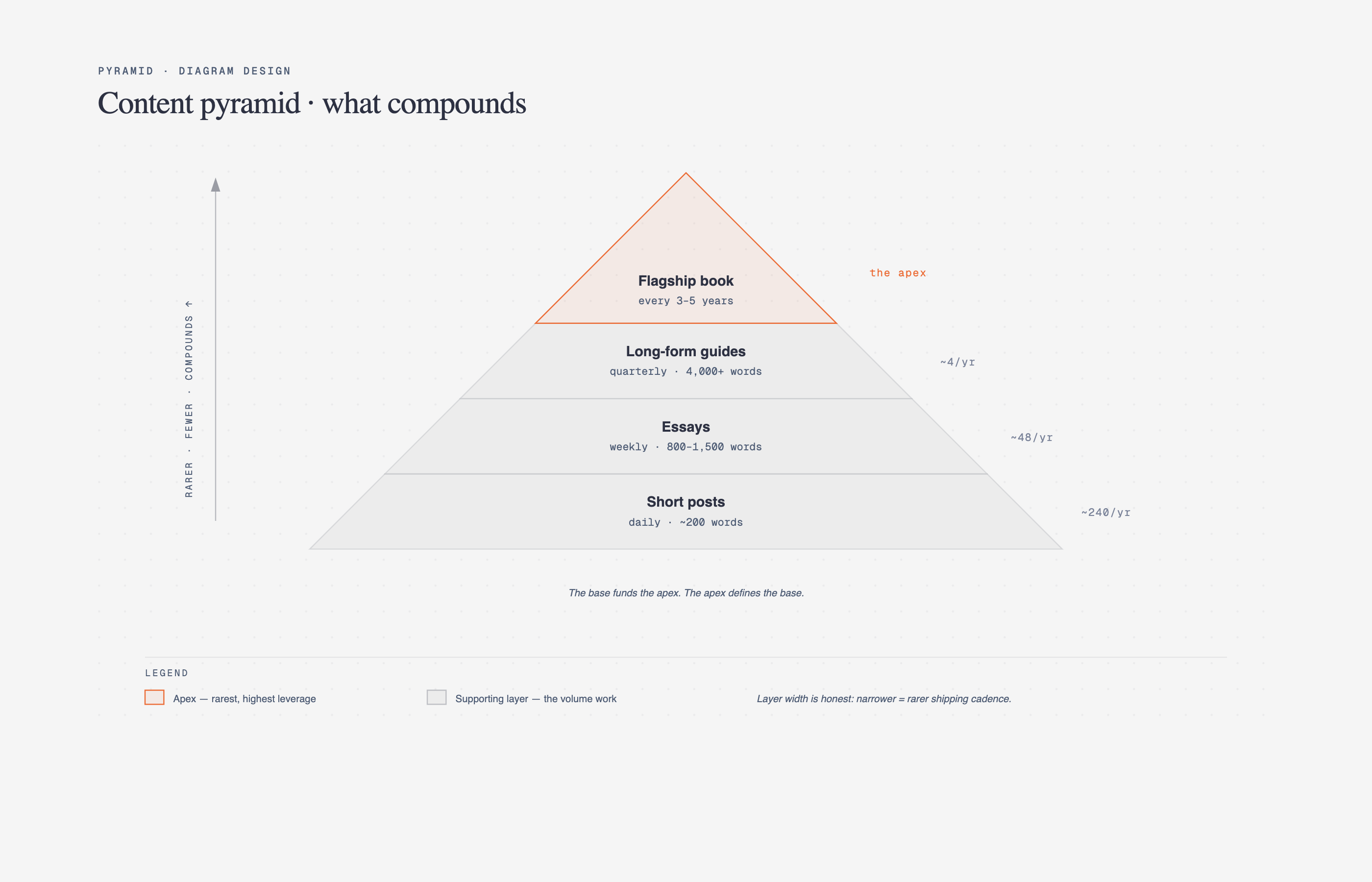
│   ├── type-pyramid.md
│   ├── primitive-annotation.md      — italic-serif editorial callouts
│   └── primitive-sketchy.md         — hand-drawn SVG filter variant
├── assets/
│   ├── index.html                   — live gallery, tabbed
│   ├── template*.html               — scaffolds for new diagrams
│   ├── example-.html          — 3 variants × 13 types
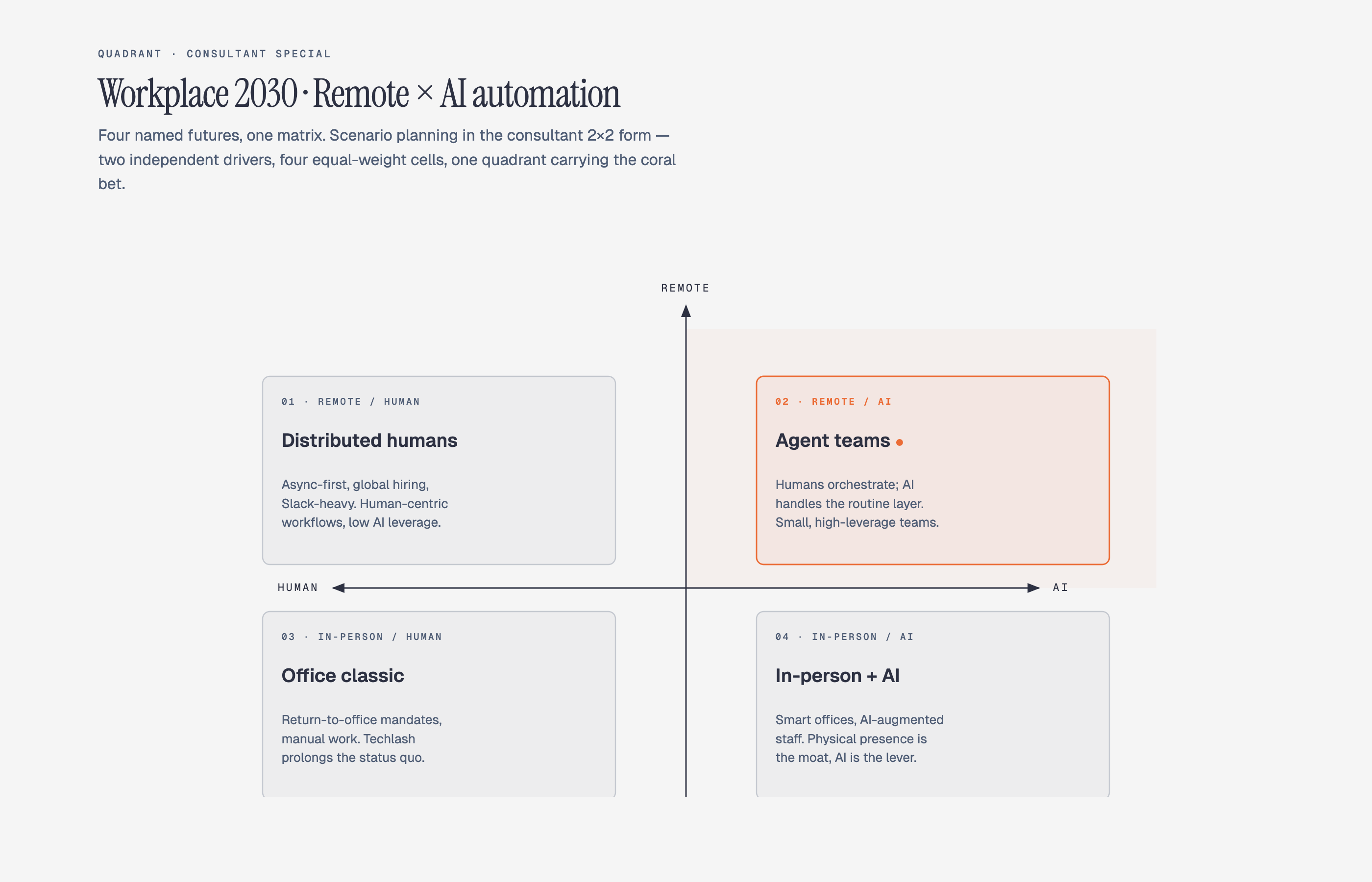
│   └── example-quadrant-consultant.html  — consultant-special 2×2 scenario matrix
└── docs/screenshots/                — the images in this README
```

This keeps Claude's working context tight (only load what you need) and makes the skill easy to extend — drop a new `type-.md` and wire it into the selection guide.

### What loads when

The top-level `SKILL.md` is always in context. Everything else is pulled in only when relevant — this is what keeps the skill fast even with 15 reference files.

| You ask for… | Claude loads |
|---|---|
| "Make me a flowchart" | `SKILL.md` + `references/type-flowchart.md` |
| "Build an architecture diagram" | `SKILL.md` + `references/type-architecture.md` |
| "Onboard this skill to my site" | `SKILL.md` + `references/onboarding.md` + `references/style-guide.md` |
| "Add an editorial callout to this diagram" | `SKILL.md` + `references/primitive-annotation.md` |
| "Give me a hand-drawn version" | `SKILL.md` + `references/primitive-sketchy.md` |
| Routine diagram-making (any of the 14 diagrams) | Only `SKILL.md` + that one type's reference |

No matter how many types exist, Claude only reads the one you need. Add a new type tomorrow and nothing else changes.

---

## The design system (in one paragraph)

One accent color, 1–2 focal elements per diagram. Three font families: Instrument Serif (title + italic callouts), Geist sans (node names), Geist Mono (technical sublabels). 1px hairline borders, no shadows, max border-radius 10px. Every coord, width, and gap divisible by 4 — non-negotiable, it's what keeps the diagrams from feeling AI-generated. Mono is for technical content (ports, URLs, field types), not a blanket "dev" aesthetic. Coral-tinted focal nodes draw the eye to the 1–2 things that matter. Full spec in [`SKILL.md`](skills/diagram-design/SKILL.md#5-design-system).

---

## Primitives

- **Annotation callout** — italic Instrument Serif + dashed Bézier leader, for editorial asides that sit in the margins. See [`skills/diagram-design/references/primitive-annotation.md`](skills/diagram-design/references/primitive-annotation.md).
- **Sketchy filter** — SVG turbulence + displacement map for a hand-drawn variant. Good for essays, not for technical docs. See [`skills/diagram-design/references/primitive-sketchy.md`](skills/diagram-design/references/primitive-sketchy.md).

---

## When *not* to use this skill

- **Quick unicode diagrams** for tweets or terminal output → wiretext-style skill.
- **Lists of anything** → a table or bullets.
- **Before/after comparisons** → a table.
- **One-shape "diagrams"** — a single box with a label → just write the sentence.

Before drawing, ask: *would a reader learn more from this than from a well-written paragraph?* If no, don't draw.

---

## About

Made by **Cathryn Lavery** — founder of [BestSelf.co](https://bestself.co?utm_source=diagram-design&utm_medium=readme&utm_campaign=github&utm_content=bio). I write about AI, entrepreneurship, and designing nice-looking things at [littlemight.com](https://littlemight.com?utm_source=diagram-design&utm_medium=readme&utm_campaign=github&utm_content=bio) — blog + newsletter.

If this is useful, **star the repo** and come [say hi on X](https://x.com/cathrynlavery).